You open Instagram to check a notification, tap through to your profile, and spot a familiar account in your followers list. You're sure you followed them months ago, so you visit their profile and discover that the relationship only runs one way. A quick search for “who doesn't follow me back Instagram” suddenly feels less like curiosity and more like an overdue account tidy-up.
That mismatch can matter, but it isn't a complete diagnosis of your audience. A non-follower might be inactive, a casual viewer, a customer who only wants your updates, or an account that never intended to build a reciprocal relationship. The useful question is not who hasn't followed back. It's whether that account affects your feed, privacy, engagement, or working relationships, and what action, if any, is sensible.
Table of Contents
- Spotting the Follow Asymmetry
- Manual App-Based Checks You Can Do Today
- Evaluating Third-Party Unfollower Trackers
- Categorising Who Isn't Following Back
- Safe Management Strategies and Muting Options
- Building a Healthy Instagram Following Habit
Spotting the Follow Asymmetry
The discovery usually happens in a small moment. You're reviewing people who follow your creator account, checking whether a former collaborator still appears, or clearing out profiles you no longer recognise. Then you notice that your Following list is larger than expected, and several familiar names don't appear to follow you in return.
That asymmetry is normal on Instagram. UK data from Ofcom's 2024 Adults' Media Use and Attitudes report shows that Instagram use is concentrated among younger users, while follow networks combine friends, companies, brands, and celebrities. People don't use the platform with one shared expectation of reciprocity.
For a social media manager, the distinction matters. A personal account may want a cleaner feed. A creator may be assessing whether a follow-for-follow habit attracted the wrong audience. A brand manager may be trying to understand why the account has many followers but little meaningful response. None of those problems is solved by deleting every person who doesn't follow back.
The useful question behind the search
Start by separating relationship symmetry from audience value. A person can fail to follow you and still watch your Stories, visit your profile, save a post, click a product link, or recommend your work elsewhere. Conversely, a follower may never see your content, interact with it, or fit your audience.
Practical rule: Treat a follow-back check as an observation, not a verdict.
If you want a broader process for checking profile health, the social media audit guide can help you review content, profiles, and audience signals together. For a narrower explanation of Instagram unfollow tracking, look for methods that explain how a baseline is created rather than promising perfect historical data from a single scan.
The aim is sustainable hygiene. Identify patterns, protect your account, and make decisions based on how people relate to your content, not only on whether they press the Follow button.
Manual App-Based Checks You Can Do Today
The safest starting point is Instagram itself. You don't need to hand your password to an unfamiliar service, authorise broad account access, or install an app that claims it can reveal information Instagram doesn't normally display.
Check individual accounts first
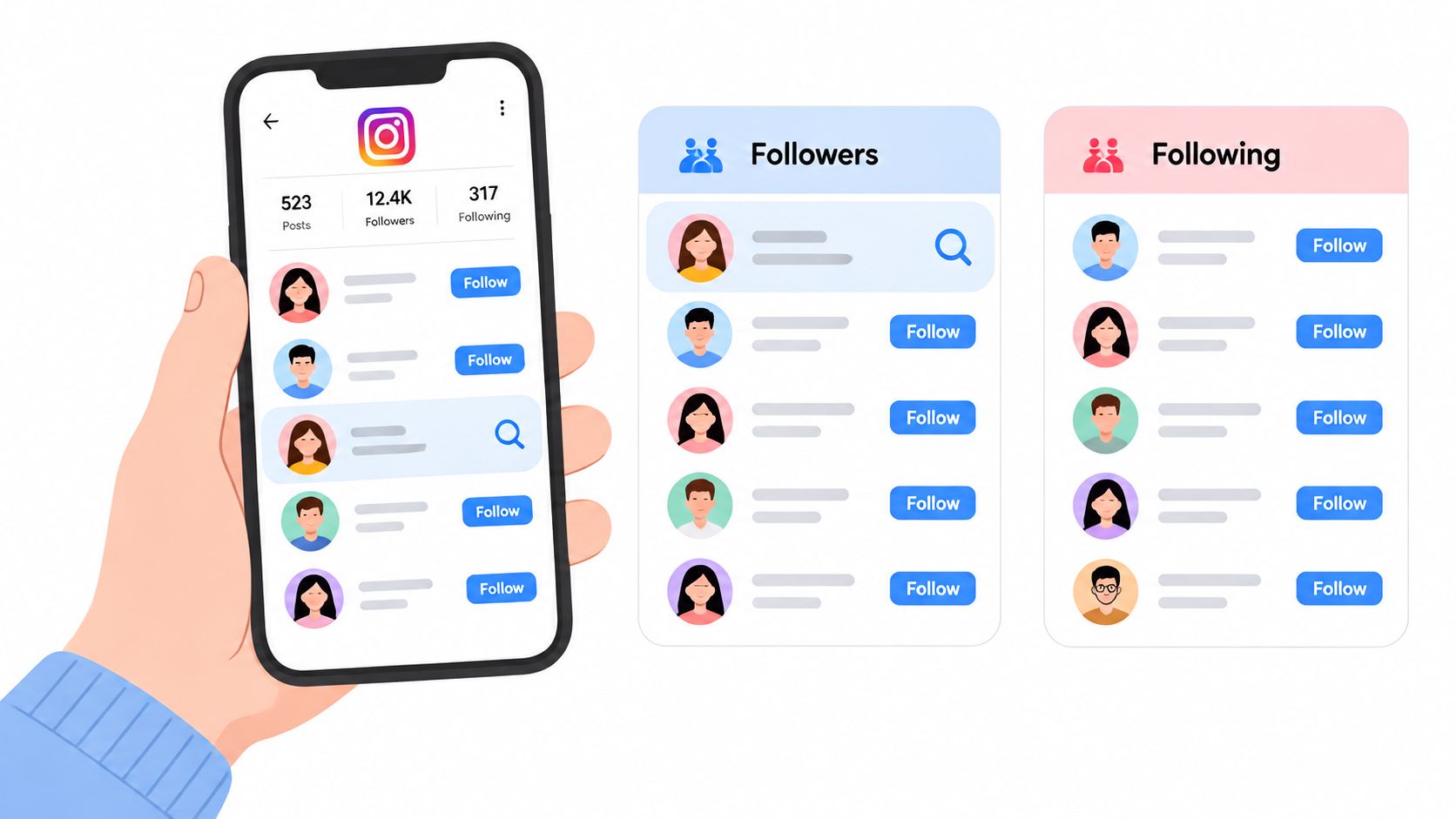
Open your profile and enter Following. Search for a specific username, then open the account and look for the relationship indicator beneath the profile information. You can also open Followers and search for the same username. If the account appears in your following list but not your followers list, it isn't following you back at that moment.
The manual check works well when you're investigating a small set of people, such as old collaborators, former clients, or accounts you no longer want in your feed. It becomes slow when you're checking a large following list, and the app interface can change. Instagram may also show mutual connections and suggestions, which can speed up discovery, but those prompts are aids, not a complete audit.
Keep the result temporary
A one-time check tells you what the relationship looks like now. It doesn't tell you whether the person unfollowed yesterday, never followed you, changed usernames, deactivated their profile, or briefly disappeared from the platform.
For a more reliable audit, record the usernames you're reviewing and the date of the check. If the issue is churn rather than reciprocity, compare two follower-list snapshots taken at different times. A snapshot-based unfollower workflow explains the baseline principle: the first capture gives you something to compare against, while a later capture can show what changed.
Keep your notes private and minimal. Don't copy more personal information than you need, and don't share screenshots that expose private messages or unrelated accounts. If you're organising a wider campaign around the audit, you can also explore setup distribution with Narrareach, but keep audience data separated from any outreach workflow.
Manual checking has an obvious trade-off. It takes time, particularly for a large account, but it gives you direct visibility into what Instagram shows and avoids handing credentials to a third party. For most personal accounts and small business profiles, that balance is worthwhile.
Evaluating Third-Party Unfollower Trackers
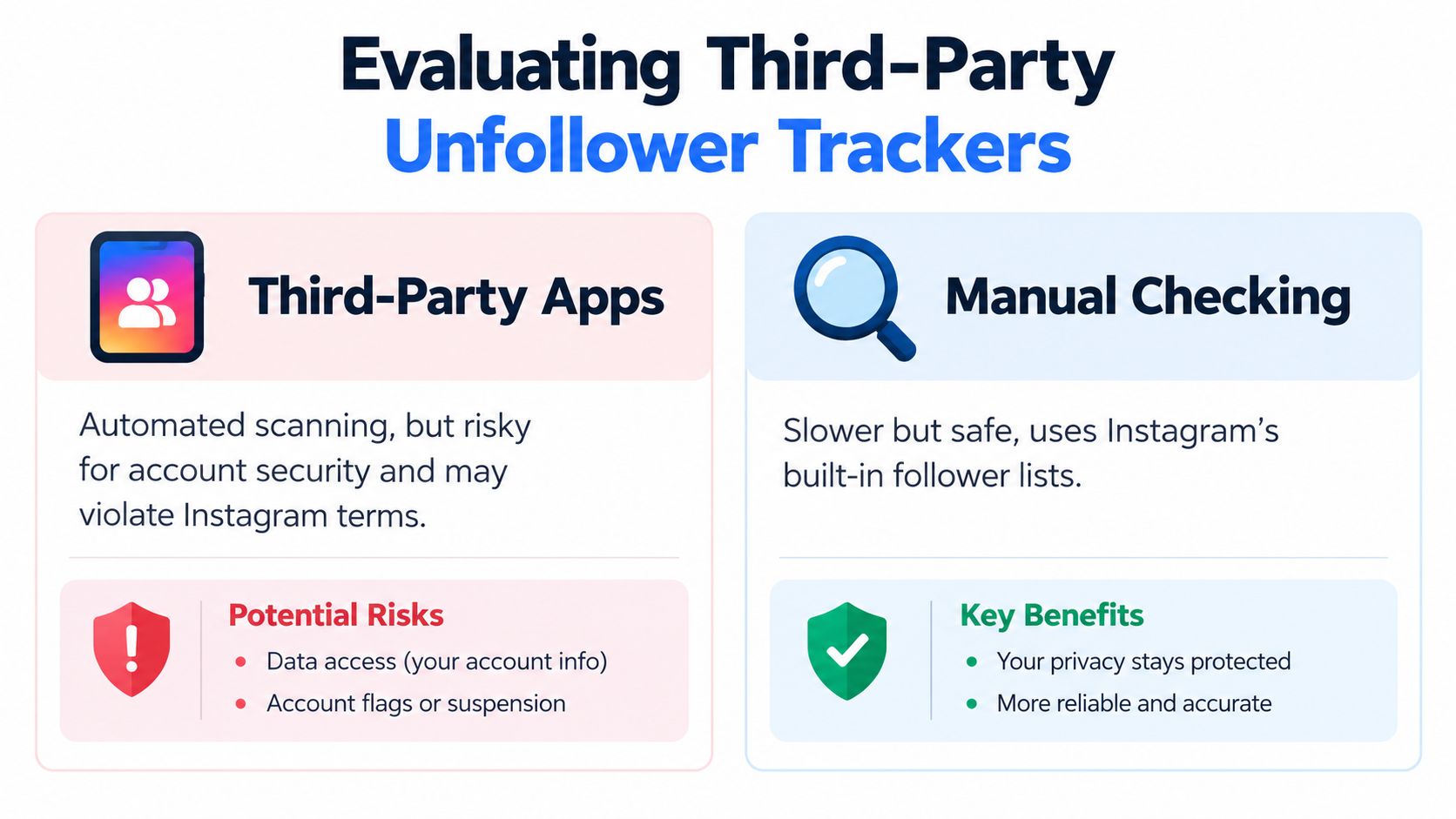
Third-party trackers appeal because they promise speed. Instead of searching usernames one by one, you connect an app, wait for a scan, and receive a list of accounts that supposedly don't follow you back. The convenience is real, but so are the reliability and security problems.
What to check before connecting anything
The first red flag is a service that asks for your Instagram password directly. Don't provide it. A password gives an external operator a route into the account, and the risk isn't limited to the follower report. It may expose messages, account settings, linked information, and the ability to perform actions in your name.
Be cautious with tools that promise complete historical data without explaining how they obtained it. Instagram doesn't give a new service a magical record of every past follower relationship. A tracker may be working from a recent scan, incomplete data, or information you previously supplied.
Assess the service against these practical questions:
- Credential handling: Does it require your password, or does it use a safer sign-in and permission process?
- Data retention: Does it clearly explain what it stores, for how long, and whether it shares data?
- Export support: Can you upload an Instagram data export instead of connecting your account?
- Account actions: Does it encourage mass unfollowing, automated likes, or bulk engagement?
- Removal process: Can you revoke access and delete your data without contacting support repeatedly?
An app that encourages rapid, repetitive actions is particularly unsuitable for an account you care about. Automation can produce a neat list while creating a messy security or policy problem. For broader planning and publishing work, a social media management software guide is a better place to assess workflow tools, but it isn't a reason to grant an unfollower checker unnecessary access.
Prefer data exports over password sharing
For UK users, an official Instagram information download offers a safer route to inspect account data. The principle is straightforward: obtain the information from Instagram, review what the export contains, and avoid giving a third-party checker your login credentials. You still need to understand the file structure and handle it securely, especially if it includes other people's usernames or account activity.
Third-party trackers can save time, but they can't decide whether an account is valuable, safe, or worth removing. Use external services only when their permissions, privacy terms, and data workflow are clear. Otherwise, manual checks and controlled exports are slower options with fewer unknowns.
Categorising Who Isn't Following Back
A list of non-followers looks objective, but it usually combines several very different types of account. Treating every name as a problem leads to unnecessary unfollows and removes useful context from your audience decisions.
Consider an inactive account first. It may have followed you years ago, stopped posting, and never interact now. Removing it might make your following list easier to manage, but it won't necessarily improve your content. If the account belongs to a former client, community member, or professional contact, the relationship may still matter away from visible engagement.
Promotional accounts need a closer look. Some post nothing but sales messages and add little to your feed. Others operate in a related industry and may occasionally share a useful resource, mention your work, or refer customers. The right response depends on the relationship, not simply on the missing follow-back.
Four different decisions
| Account type | What to inspect | Sensible response |
|---|---|---|
| Inactive profile | Recent activity and whether the account is recognisable | Unfollow if it no longer serves your feed |
| Promotional account | Relevance, message quality, and repeated unsolicited contact | Mute, restrict, or remove if it creates noise |
| Suspicious account | Copied content, odd comments, aggressive links, or impersonation signals | Report or block where appropriate |
| Casual viewer | Story views, profile visits, saves, clicks, or other useful behaviour | Keep the relationship if the content still reaches them |
A non-follower is not automatically a low-value audience member. UK privacy guidance explains that people can mute, restrict, or view public content without following, and that private and public settings change who can see what. The Instagram privacy overview is useful context because it moves the discussion beyond follower counts.
Read behaviour in context
Look at recent engagement before making a decision. A person who doesn't follow back but repeatedly watches your Stories may be more relevant than a follower who never interacts. A brand account that doesn't reciprocate may still send referral traffic. A private account may have limited public signals, so avoid assuming inactivity from a quiet profile.
The most useful categories are therefore behavioural, not emotional. Ask whether the account contributes attention, trust, conversation, referrals, or risk. Then choose an action that matches the evidence.
Safe Management Strategies and Muting Options
You don't have to unfollow everyone who fails a reciprocity test. In many cases, muting is the cleaner decision because it changes your experience without turning a small account-management choice into a visible social signal.
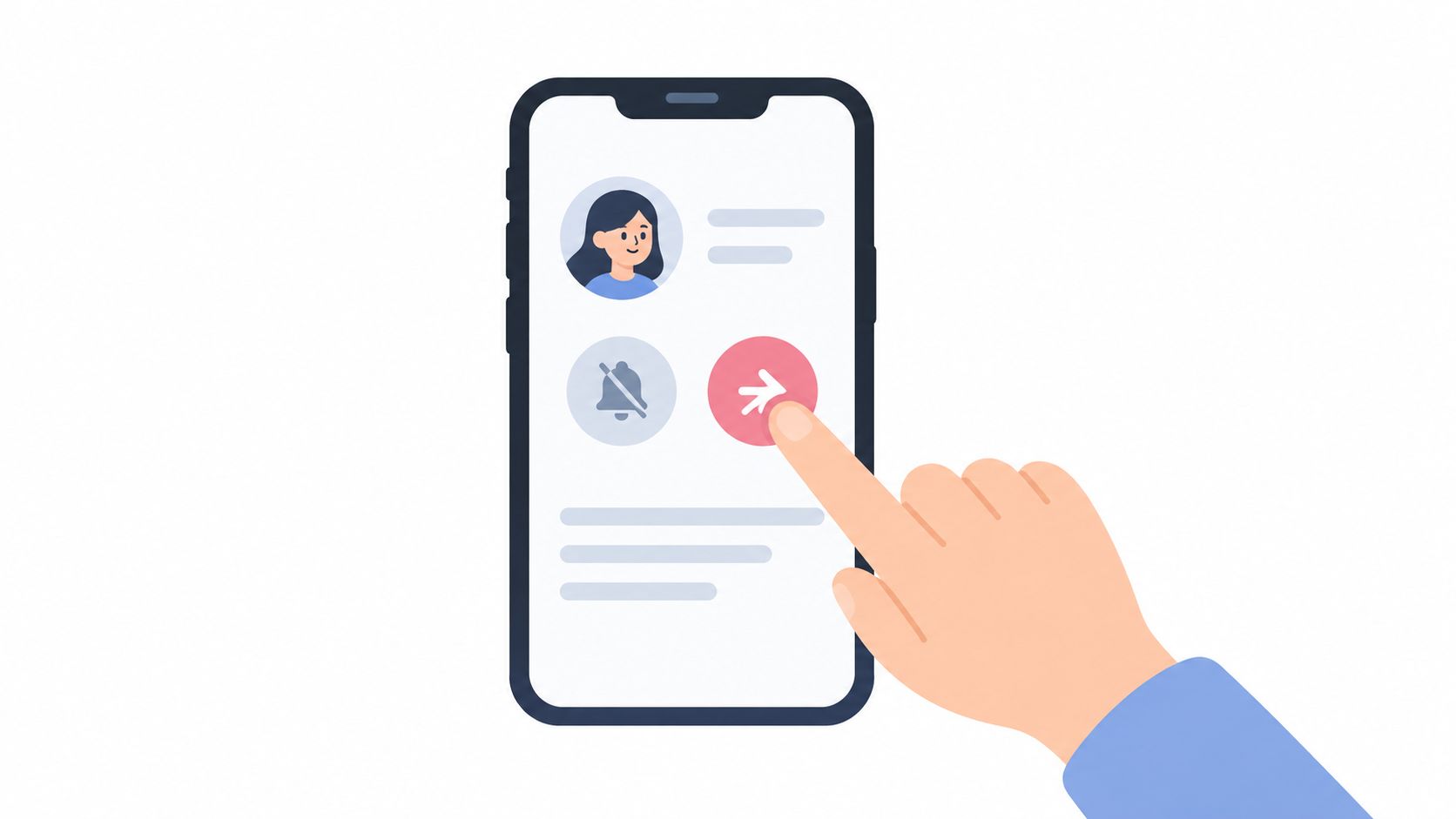
Instagram's native controls let you reduce unwanted content without announcing the change. You can mute posts or Stories from an account, restrict interactions that feel intrusive, and remove or block accounts that create a genuine safety concern. These controls solve different problems, so use the least disruptive option that achieves your aim.
Match the tool to the problem
Mute accounts that are legitimate but no longer useful in your feed. This is appropriate for high-volume posters, old acquaintances, or brands that overwhelm your browsing experience. You can keep the connection and visit the profile when you choose.
Restrict accounts when you want more distance from comments or messages without escalating to a block. It can be useful for persistent promotional behaviour or an interaction that feels uncomfortable but doesn't yet require a stronger response.
Unfollow when the account no longer fits your interests, work, or boundaries. You don't need a dramatic reason, and you don't need to ask for a follow-back. Unfollowing also doesn't send a notification, although people may infer the change from their follower lists or counts, as explained by Safer Internet's guidance on unfollowing.
Report or block when an account impersonates someone, sends harmful spam, harasses you, or appears designed to deceive. Don't use mass action as a substitute for reviewing suspicious behaviour.
A clean following list should reduce friction, not create a new source of it.
Avoid rapid, indiscriminate unfollowing sessions. They can remove useful contacts, make your account activity look unnatural, and encourage you to manage relationships around a vanity metric. Work in small, deliberate batches, review the account's relevance, and leave genuine connections alone even when the relationship isn't reciprocal.
For creators and brands, the better long-term adjustment is often content curation. If your feed contains too much irrelevant material, mute it. If your audience doesn't respond, improve the usefulness and clarity of your posts. The follow-back list is an input to that process, not the outcome you should optimise for.
Building a Healthy Instagram Following Habit
The best way to reduce follow-back anxiety is to stop building relationships that depend on an automatic exchange. Follow accounts because their work is relevant, useful, or personally meaningful. Follow-for-follow behaviour creates a list that looks active but often gives you little insight into who wants your content.
A stronger habit starts with a clear profile. Tell visitors what you do, who you help, or what they can expect from your account. Publish consistently enough that a new visitor can understand your point of view, then respond to comments and messages in a way that shows there's a real person behind the profile.
A practical monthly routine
- Review your Following list: Remove accounts that no longer fit, and mute accounts that are legitimate but distracting.
- Check audience signals: Look beyond follows and note conversations, Story activity, saves, profile visits, and relevant enquiries.
- Record meaningful changes: Keep dated notes when you're testing a content or audience decision, rather than relying on memory.
- Protect account access: Use Instagram's own controls and data exports before considering any service that requests credentials.
- Create for the right people: Use specific topics, useful captions, and genuine community participation instead of empty engagement bait.
UK usage data also shows why context matters. BBC reporting on Ofcom's survey describes Instagram as a high-attention platform where active posting and browsing behaviour aren't evenly distributed across age groups. Some people will publish regularly, while others mainly watch, read, save, or visit profiles. That makes a quiet follower or non-follower difficult to judge from reciprocity alone.
Use a guide to gaining Instagram followers as a starting point for attracting relevant people, then measure whether those relationships support your actual goals. A healthy account isn't one where everyone follows back. It's one where your audience, content, privacy settings, and daily workflow reinforce each other.
Scheduler.social helps you plan, adapt, approve, and publish social content from one visual calendar, so you can spend less time posting manually and more time building the relationships that matter. Use Scheduler.social to organise consistent Instagram publishing, coordinate reviews with your team, and turn audience insights into a steadier content routine.