How to Add Link to Instagram Story: 2026 Guide
Learn how to add link to Instagram story with the link sticker. Our 2026 guide covers troubleshooting, alternatives, and scheduling for maximum traffic.

You've got a page, product, sign-up form, or new article ready to push. You open Instagram, build the Story, tap the sticker tray, and the Link sticker either isn't there, looks wrong, or feels like more effort than it should be.
This is the primary difficulty encountered now. The old follower-threshold advice is stale. The practical question isn't usually “can I add a link?” It's “why is this missing on my account?” and “how do I make the link worth tapping once it is live?”
Table of Contents
- Why Driving Traffic from Stories Is a Game Changer
- The Official Method Using the Instagram Link Sticker
- Link Sticker Missing Common Problems and Fixes
- Maximising Clicks Best Practices for Your Story Link
- Beyond Manual Posting How to Schedule Stories with Links
- Alternative Ways to Share Links on Instagram
Why Driving Traffic from Stories Is a Game Changer
You don't need a long strategic debate to justify Story links. If you already have an audience on Instagram, Stories are one of the fastest ways to move attention from the app to something you own.
The scale alone makes this hard to ignore. More than 500 million people use Instagram Stories every day, 86.6% of Instagram users regularly post their own Stories, and Instagram's overall monthly active users are reported at 3 billion according to Sprout Social's Instagram statistics roundup. That matters because the link sticker sits inside a behaviour people already use daily, not an obscure feature buried in the platform.
For brands, creators, and publishers, that changes how you should treat Stories. They're not just a place for casual updates. They're a traffic format. If someone has already chosen to watch your Story, you've got a brief window to turn interest into action.
A lot of teams still treat Story linking like an add-on. In practice, it works better when it's planned as part of the wider content system. If you're thinking through campaigns rather than one-off posts, this guide to content strategy is worth keeping in the background while you build your Story workflow.
Why this matters in day-to-day marketing
A Story link is useful when you need speed. Product drop, event registration, article launch, waitlist push, limited-time code. You can get a clickable path in front of viewers without asking them to leave the flow, open your profile, and hunt around.
Practical rule: If the action matters this week, don't hide it in bio-only navigation if a Story can carry the click directly.
That doesn't mean every Story should push traffic. It means the posts with a clear next step should. When the destination is obvious and the promise is tight, Stories shorten the path between attention and action.
The Official Method Using the Instagram Link Sticker
The current method is simple once you know where Instagram has put it. You create the Story, add the sticker, paste the destination, edit the sticker text if needed, and publish. Instagram states that this workflow was expanded to all accounts in place of the older restricted system in its announcement about expanding sharing links in Stories to everyone.
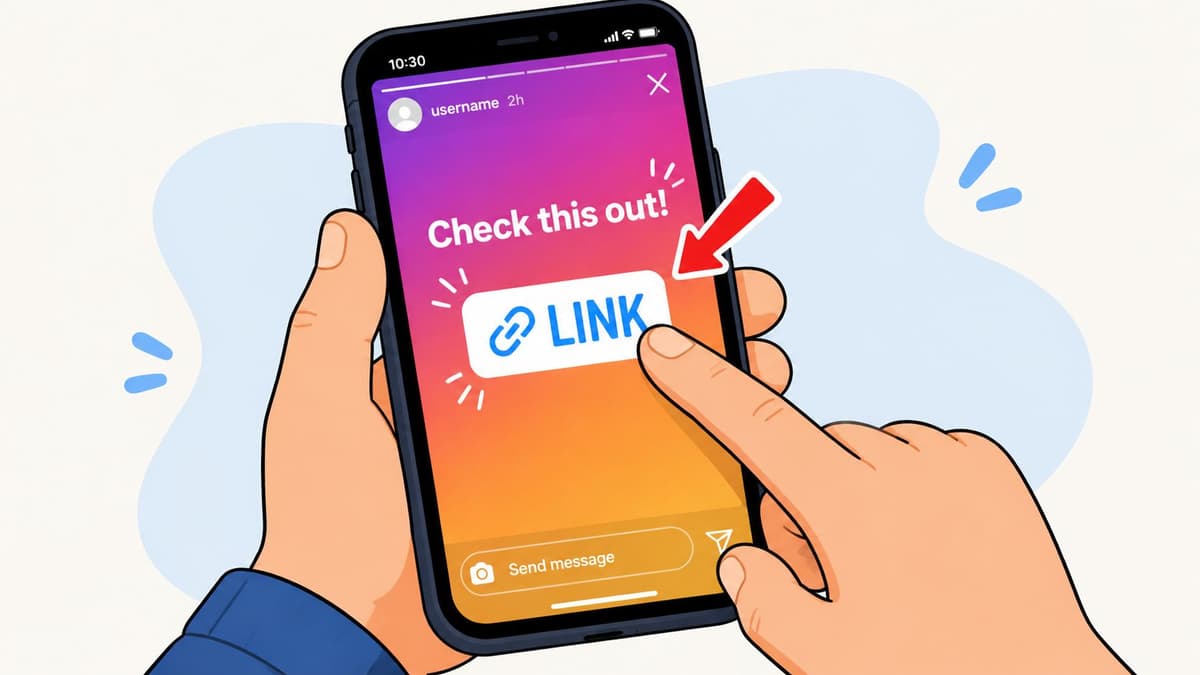
The current workflow
If you want to add link to Instagram Story content quickly, use this order:
Create or upload the Story asset
Open Instagram Stories and choose your photo or video.Open the sticker tray
Tap the sticker icon at the top of the screen.Choose the Link sticker
Look for Link in the sticker list.Paste your destination URL
Add the page you want viewers to visit.Customise the sticker text
Don't leave this as a clumsy raw destination if a clearer CTA would help.Place the sticker and publish
Move it where people can see and tap it without covering the point of the Story.
That's the official path. It's straightforward, but most mistakes happen after step four, not before.
Small setup choices that matter
The sticker text does a lot of work. A vague label or default-looking destination creates hesitation. A clear CTA tells people what happens next. “Read the guide”, “Shop the drop”, or “Book now” usually makes more sense than showing a generic URL fragment.
Placement matters too. If the sticker sits over a face, headline, product, or price, people either miss the visual or miss the link. If it sits too low against interface clutter, it can feel awkward to tap.
The cleanest Story links feel intentional. The sticker looks like part of the layout, not something dropped on at the last second.
If you want a quick visual walkthrough before posting one yourself, this explainer is useful:
Link Sticker Missing Common Problems and Fixes
Most outdated guides fall short in this regard. They still talk about the old follower threshold and the swipe-up era. That's no longer the useful starting point. As noted in Kim Garst's overview of clickable links in Instagram Stories, the feature is now broadly available and the more common issue is troubleshooting when the sticker is missing, restricted, or not working.
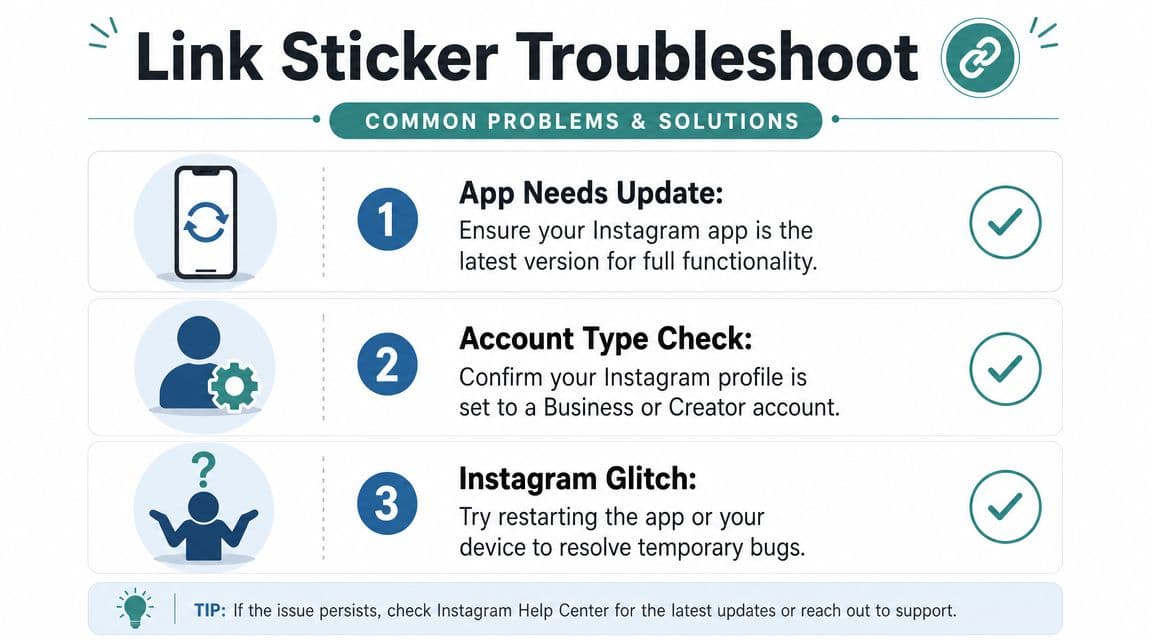
What changed from the old swipe-up era
A lot of people still search for “why can't I swipe up?” That's already the wrong frame. The current feature is the Link sticker. So if you're troubleshooting with old terminology in mind, you can end up following advice that no longer matches the app.
If someone on your team says, “We don't have enough followers yet,” check the date on the article they read. That assumption causes more confusion than the actual app.
A practical troubleshooting checklist
When the sticker isn't visible, work through the boring fixes first. They solve more cases than people expect.
Update the app
If Instagram is out of date, feature availability can lag behind the current interface.Check account setup
If you've recently changed account type, logged in on a different device, or swapped profile settings, the app can behave inconsistently for a while.Restart before escalating
Close the app fully, reopen it, and try building a fresh Story rather than editing an old draft.Test a simple URL
If one destination behaves oddly, try another valid page. Sometimes the issue looks like a missing sticker problem when it's a link-entry problem.Review account state
If Instagram has restricted parts of the account experience, features may not behave normally.
A useful way to think about it is this:
| Problem | What it usually means | First fix |
|---|---|---|
| Sticker not visible | App or interface issue | Update Instagram and restart |
| Sticker visible but awkward | Layout problem | Rebuild the Story with cleaner placement |
| Sticker won't behave normally | Account-state issue | Check restrictions and retry later |
Don't waste time chasing old eligibility myths. Diagnose the account, the app version, and the specific Story draft you're working on.
If you manage multiple accounts, test on another account from the same device. That helps isolate whether the issue sits with the app or with that profile.
Maximising Clicks Best Practices for Your Story Link
Adding the sticker is the easy part. Getting taps is the actual job.
Industry guidance summarised by Hootsuite's advice on Instagram story links recommends a short call to action in the sticker text, clear visibility, and brand consistency. That lines up with what tends to work in practice. People tap when the value is obvious and the sticker is easy to spot.
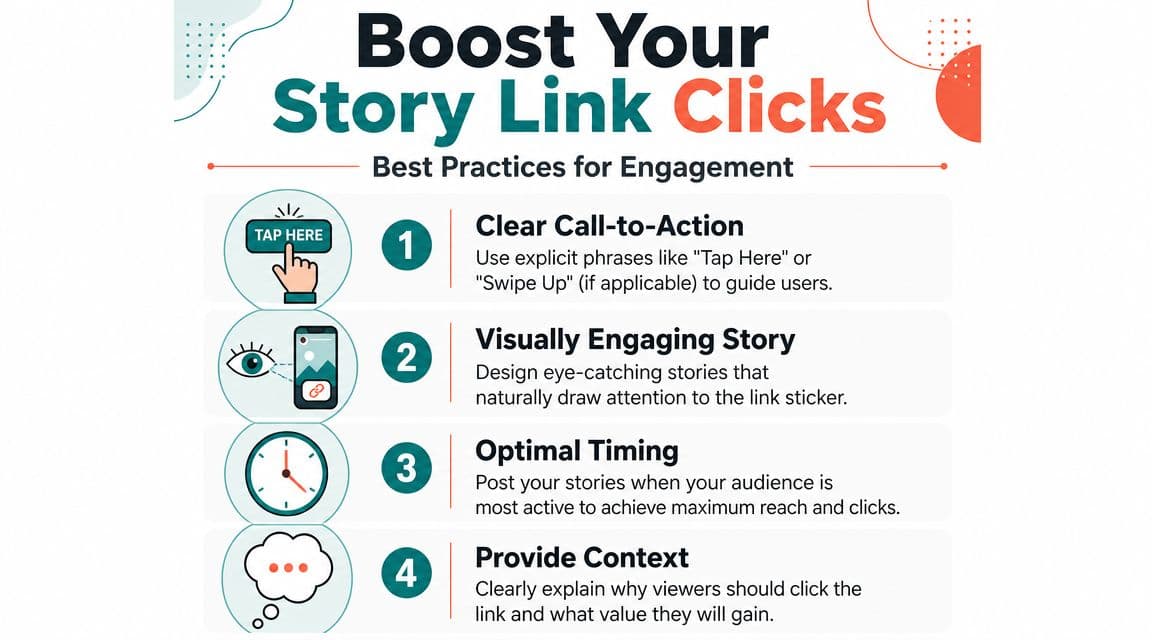
What gets taps
Three things usually make the difference:
Clear sticker text
Tell viewers what they'll get. “Read the full review” beats a vague destination label.Clean visual hierarchy
The sticker should be visible without sitting on top of your strongest visual.Context around the click
Give people a reason to leave the Story. A product benefit, a teaser, a deadline, or a specific next step.
If your background is messy, the sticker disappears. That's why creative setup matters more than many guides admit. If you're working on product-led Stories, this practical piece on changing Instagram Story backgrounds for e-commerce is useful because background treatment directly affects whether the sticker stands out or gets lost.
What usually kills performance
The common failure isn't “bad design” in some abstract sense. It's friction.
A sticker with no context feels random. A Story with too much text feels like work. A link placed over the product someone is trying to inspect is annoying. And if you ask for the click too early, before the viewer understands why they should care, you force a decision before interest has formed.
Posting time matters too, but not because there's one universal answer. You need a repeatable process for your own audience. If you're refining timing rather than guessing, this guide on the best times to post on Instagram gives you a more useful starting point than generic “post in the evening” advice.
Good Story links don't interrupt the Story. They complete it.
Beyond Manual Posting How to Schedule Stories with Links
Manual posting works when you're reacting in the moment. It falls apart when you're running launches, offers, or content series across several days and need people on the team to review assets before they go live.
That's where scheduling becomes the more professional workflow. You can prepare creative, set the destination URL, line up timing, and avoid the usual scramble of posting from a phone while trying not to miss the publishing window.
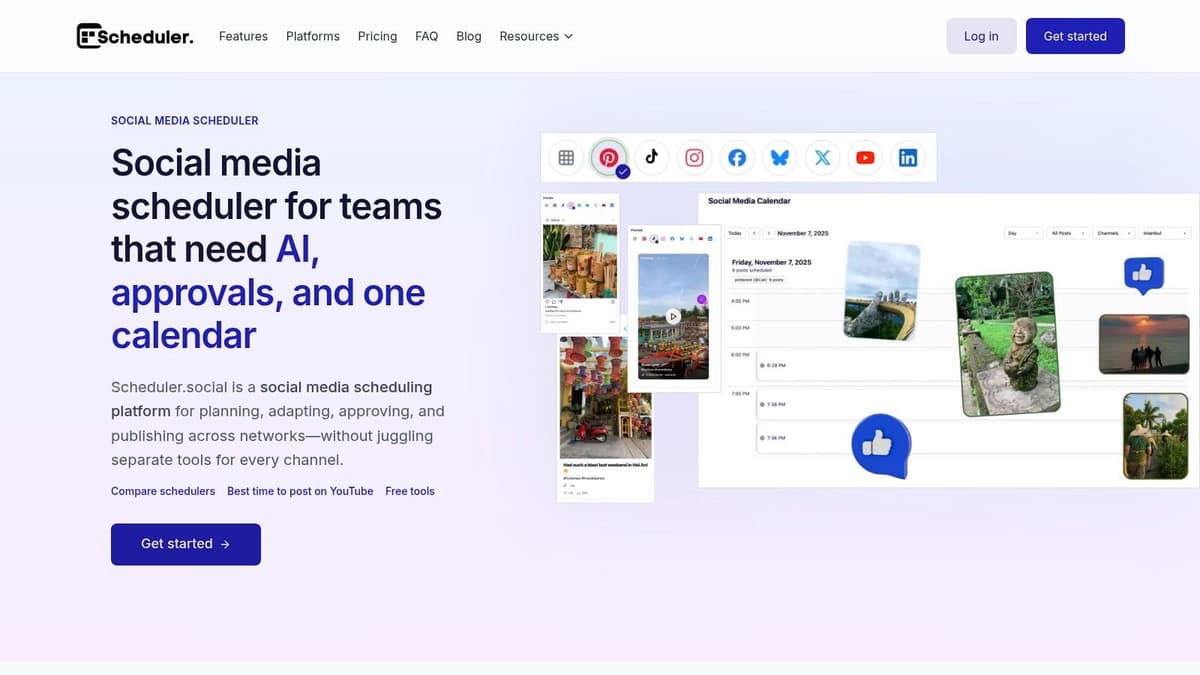
When scheduling is the better workflow
Scheduling helps when your Stories are part of a campaign rather than a spontaneous post. That includes launch sequences, weekly promo slots, event reminders, and creator partnerships where approvals matter.
It's also useful when you need consistency. If the link has to go live at a deliberate time, relying on memory is weak process.
A lot of teams look for guidance on how to schedule Instagram Stories once they've outgrown posting everything live. That shift usually happens as soon as Stories become a reliable traffic channel instead of a casual add-on.
How a scheduled link workflow looks in practice
The simplest version looks like this:
Prepare the Story assets in advance
Keep each frame clear on its role. Tease, explain, then drive action.Attach the destination during setup
If your tool supports it, add the link sticker URL while building the Story rather than during a rushed final step.Place it on the calendar
This matters when the Story supports a timed promotion or a coordinated cross-channel push.Review before publishing
Check that the sticker text matches the landing page and the visual doesn't bury the CTA.
One option for this is Instagram post scheduling through tools that support Story planning as part of a wider content calendar. Scheduler.social includes a Story link sticker URL field, which means you can prep the Story and its link in the same workflow instead of adding the destination manually at the last minute.
That's a true time-saver. Not automation for its own sake. Fewer rushed posts, fewer missed links, and fewer campaign assets trapped in someone's camera roll.
Alternative Ways to Share Links on Instagram
The Story sticker is the most direct route inside Story content, but it isn't your only option.
Link in bio still works when the destination needs to stay available beyond the Story's short lifespan. It's better for evergreen pages, resource hubs, and situations where several posts need to point to the same destination. The downside is obvious. It adds an extra step and asks people to go elsewhere.
Direct messages can work when you want conversation before the click. For some service businesses and creators, “DM me for the link” filters for higher-intent replies. It also creates more manual work and slows down access.
Feed posts plus Story support can help when the Story is acting as the prompt and the bio carries the durable link path. That setup is common when the link target changes less often than the Story creative.
If your only goal is direct traffic from a time-sensitive Story, the link sticker is usually the cleanest option. It asks for the fewest steps and creates the least confusion.
If you're posting Stories often enough that manual linking is turning into admin, Scheduler.social is worth a look. It gives you a calendar-based workflow for planning and publishing social content, including Instagram Story scheduling with link setup, so you can organise campaigns ahead of time instead of building every Story live from your phone.